
Create. Convert. Print.
Prepare photos, documents and print-ready files in one place.
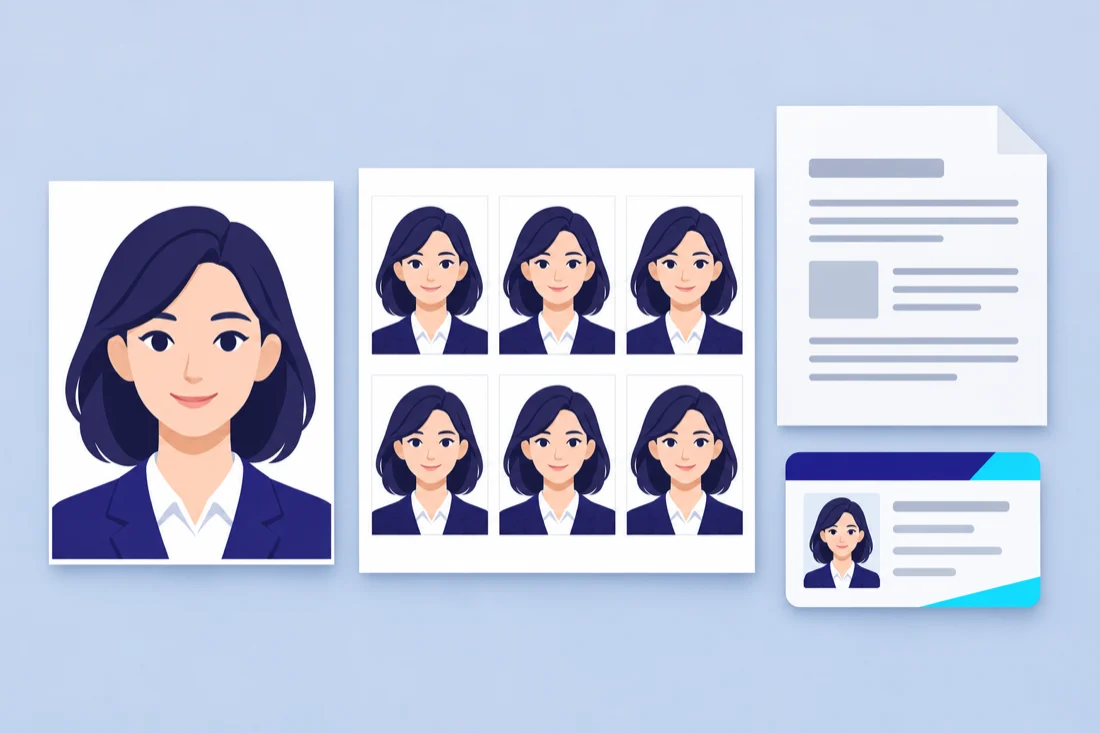
A tool for every file.
Passport photos
Crop, size and arrange your photos.
Image compressor
Resize and optimize file size.
Image converter
Convert JPG, PNG and WebP in batches.
JPG to PDF
Turn images into a tidy PDF.
PDF to JPG
Render PDF pages into image files.
PDF workspace
Merge, split, reorder and rotate pages.
Signature resizer
Prepare a signature for your form.
ID card print
Prepare front and back on A4.
Document crop
Straighten document corners locally.
No tools match. Try “PDF”, “photo” or “resize”.
Your files, handled with care.
Studio, Convert and Docs process files on your device. No account is needed. Shop printing clearly asks before uploading to your chosen shop.
A little clarity before you start.
Do my files leave my device?
Local image and PDF tools process on your device. Sending a job to a print shop requires an explicit upload. No hosted AI processing is enabled.
Can I print at the right physical size?
PDF layouts use millimetres. Print at Actual size / 100%, disable headers and footers, and check a calibration sheet with a ruler. Printer margins can vary.
Will my photo be accepted for an application?
Check the receiving authority’s current instructions. A size preset is a preparation aid, not a guarantee of acceptance.
Can the browser print automatically?
Browser printing uses the normal print dialog. Unattended printer control would require a separately installed, authenticated companion, which is not included.